What kinds of facilities does metro-tec schedule support?▾
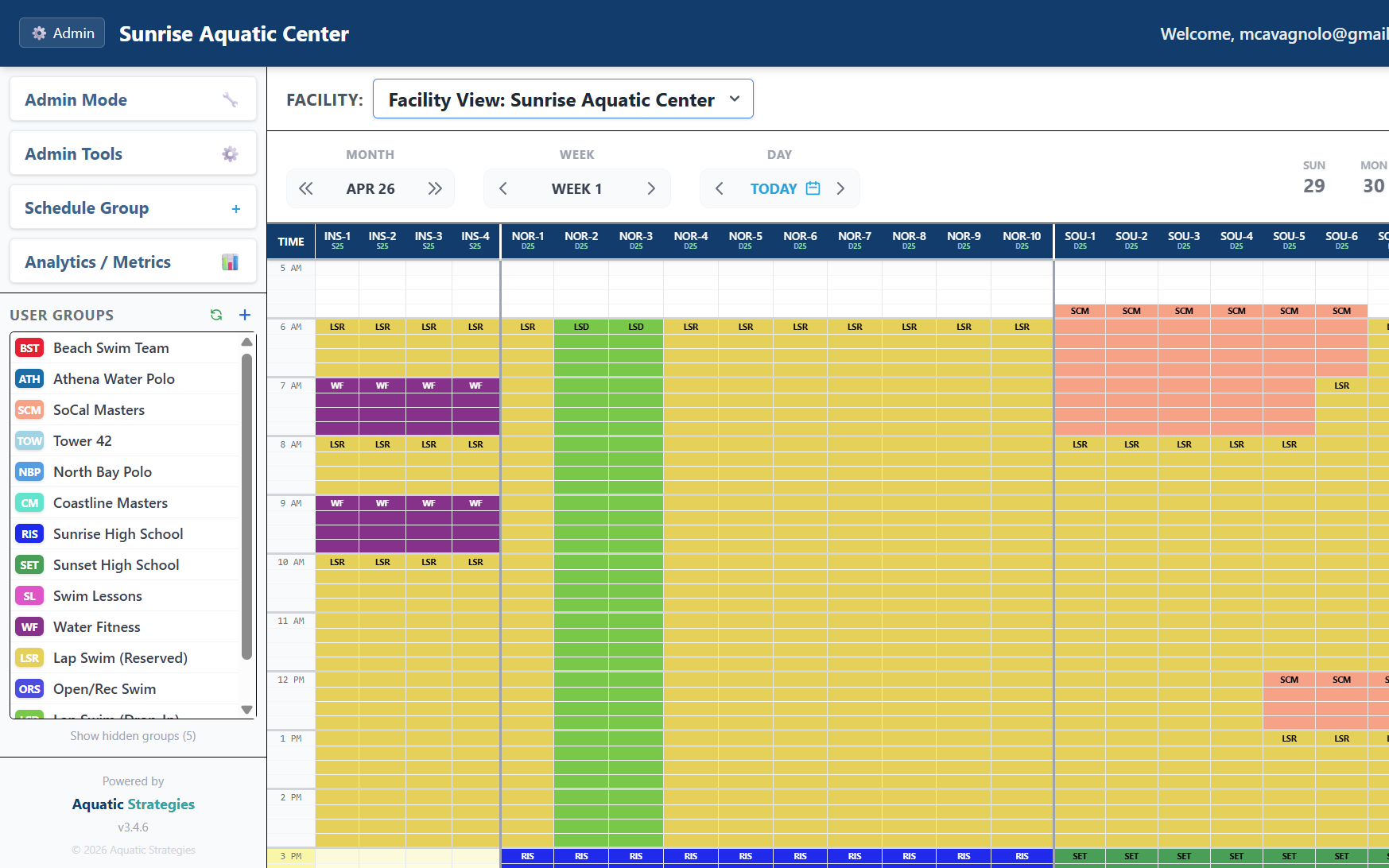
Aquatic centers and pools, sports fields and courts, recreation and community centers, multi-use civic facilities, and school or district shared-use spaces. The platform adapts terminology and scheduling granularity (lanes for pools, sub-units for fields/courts) to match each facility type.
How does scheduling handle different resource types in one system?▾
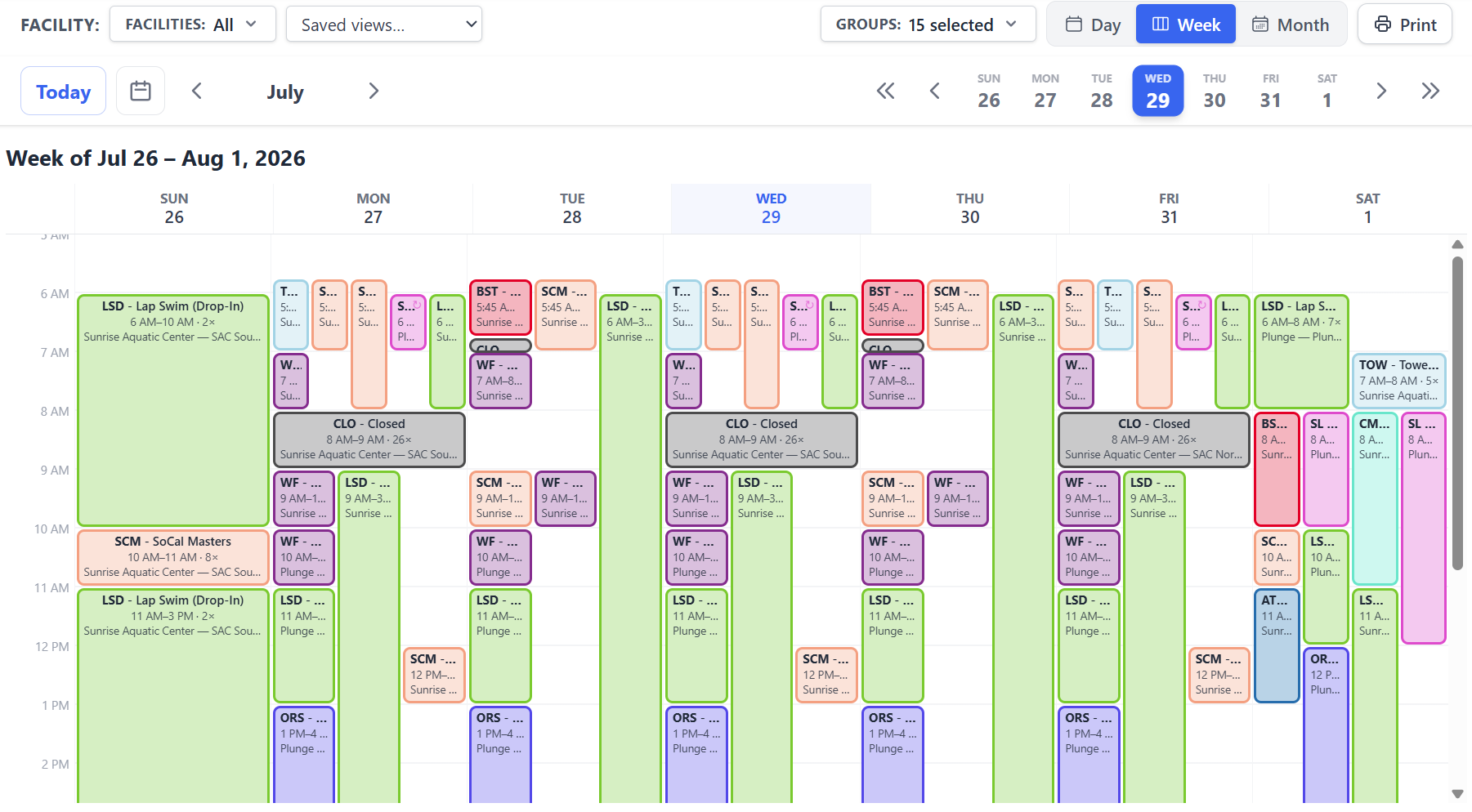
Each workspace is configured for a primary resource type - pools, fields, courts, or general - and individual resources within it can have their own type-specific configuration (lane attributes, surface types, sub-units). Schedules respect the granularity of each resource: a pool might be allocated by lane, a field by sub-section, a court as a whole.
Can outside groups request time without us creating accounts for them?▾
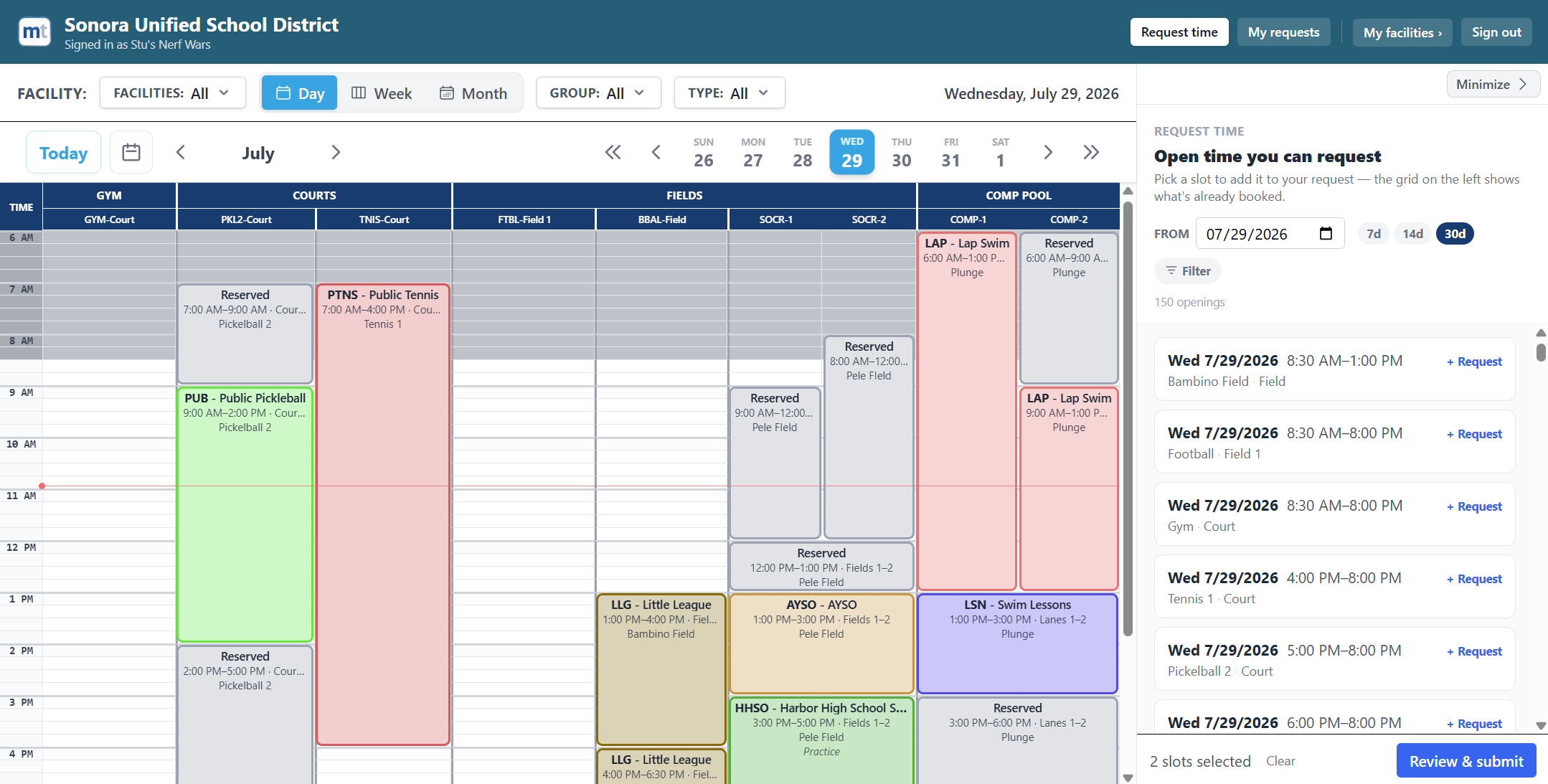
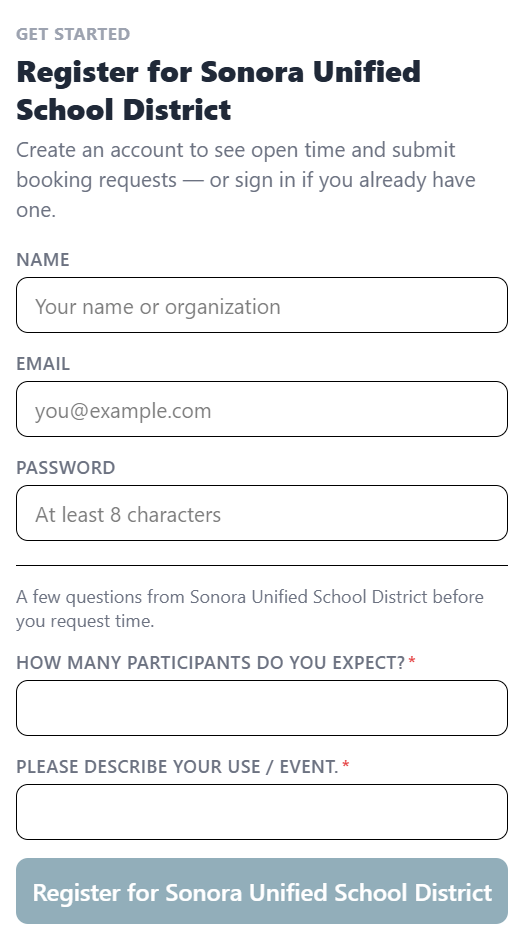
Yes - that's Schedule Self-Service. Turn it on and your public schedule gets a register link. An outside renter, club, or league signs up on their own, sees the resources you've made requestable, and submits requests from the openings list. Your staff provision nothing. Requests land in the same approval queue as everything else, and when you approve one you can create that renter's user group inline. Approving their first request promotes them to a regular member on your normal billing.
What can we control about the public schedule?▾
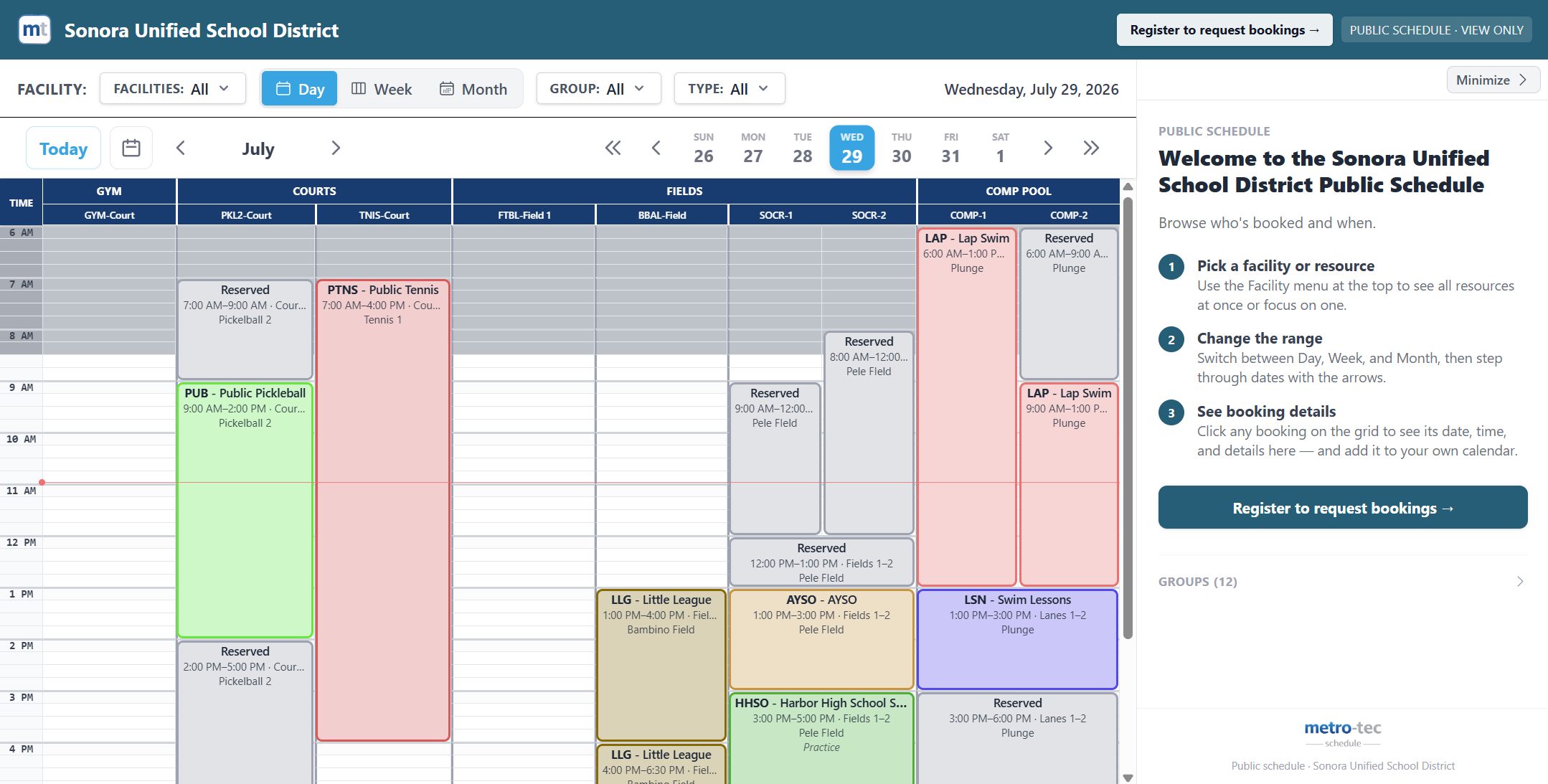
Which views it offers (Day, Week, Month) and which it opens on, which facilities and resources appear, and how each user group is shown - full detail, an anonymous "Reserved" block, or hidden entirely. You can also embed the schedule in your own website with a copy-paste snippet, and create pre-filtered links locked to a single facility or a single group, which is useful for posting one team's schedule on its own page.
How do we know which hours are worth selling?▾
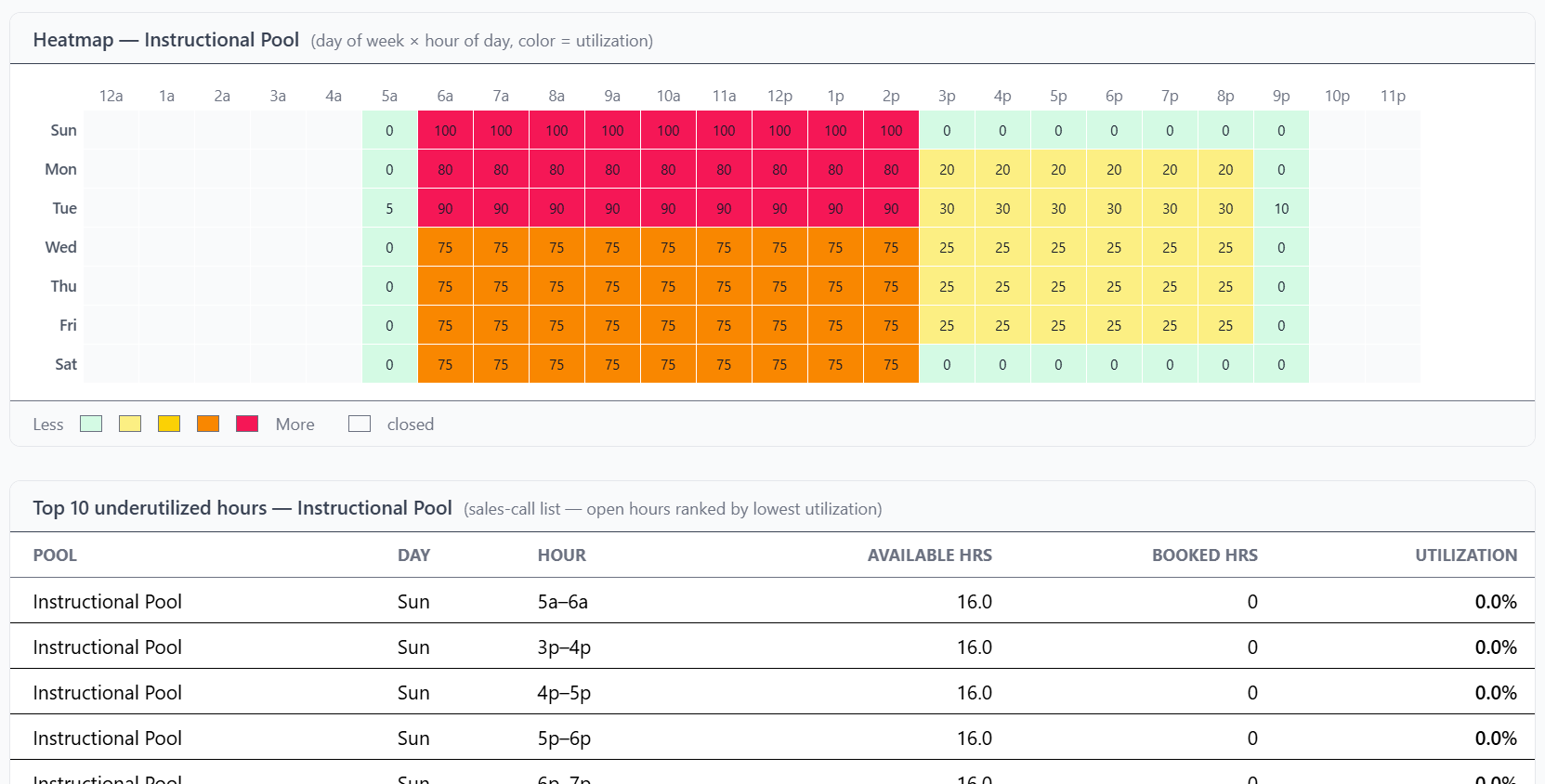
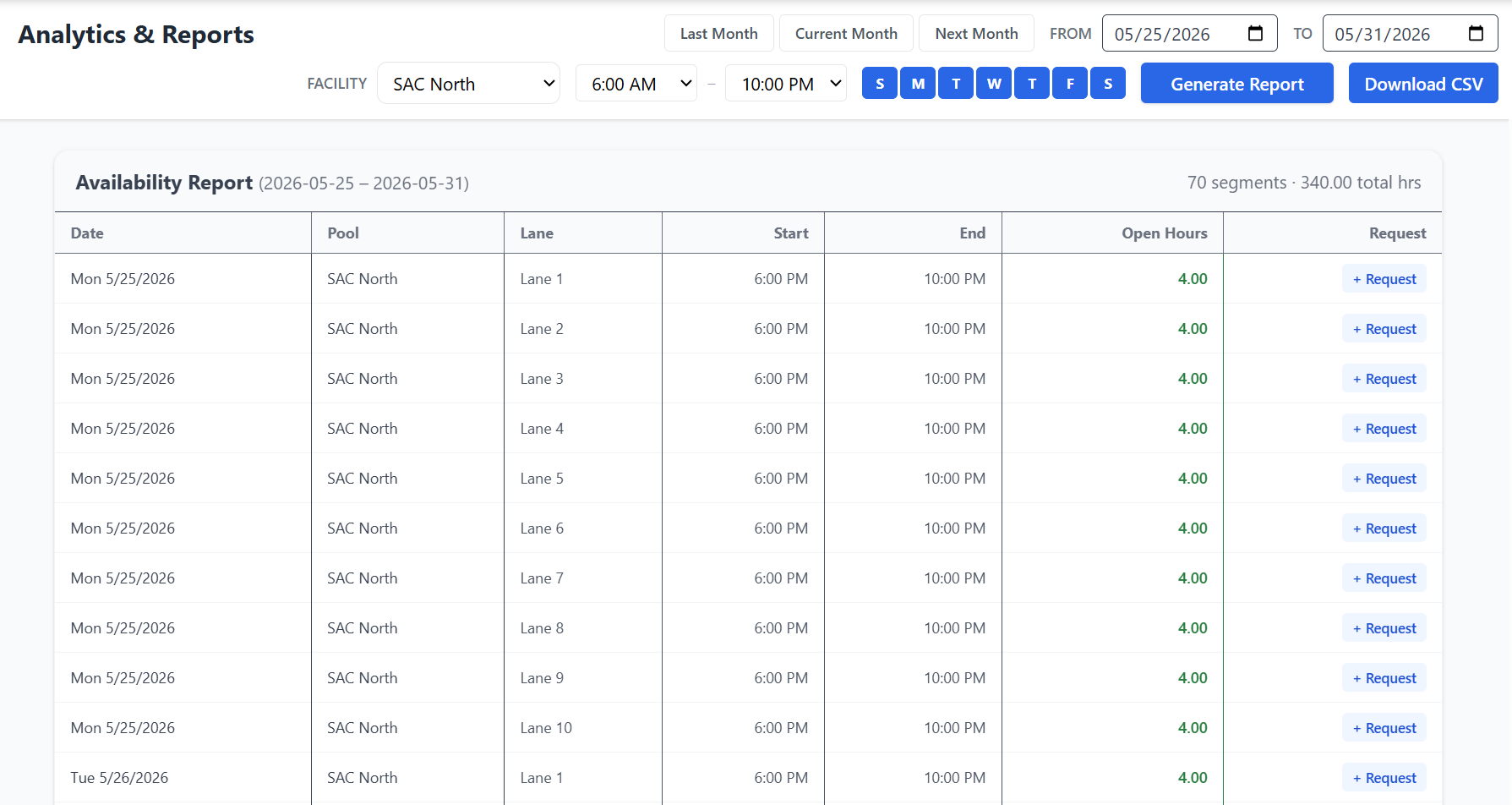
The Utilization Report compares booked time against your configured operating hours, per resource and sub-resource, with a day-of-week by hour-of-day heatmap and a ranked list of your ten most underutilized hours. The Availability Report complements it by listing actual open blocks you can act on, filterable by resource, lane, day, and time of day.
Can users see their own bookings and forecast their spend?▾
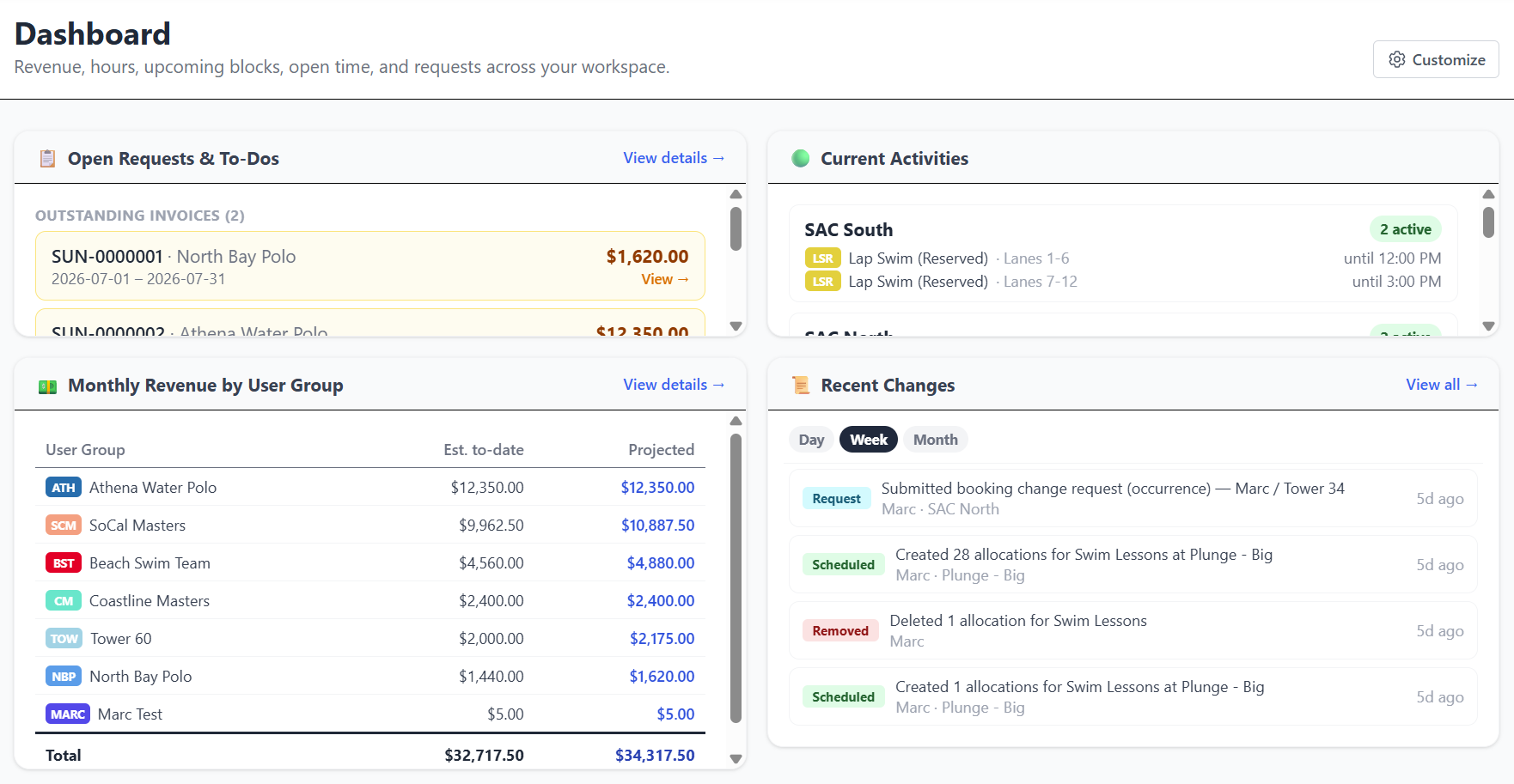
Yes. Members get a dashboard scoped to their group: upcoming blocks, hour breakdown for the month, estimated month-to-date and projected spend, open blocks they can request, and the status of any request they've submitted. Admins get a workspace-wide equivalent covering revenue by group, current activity, open requests, and recent changes.
What compliance can we require of a user group?▾
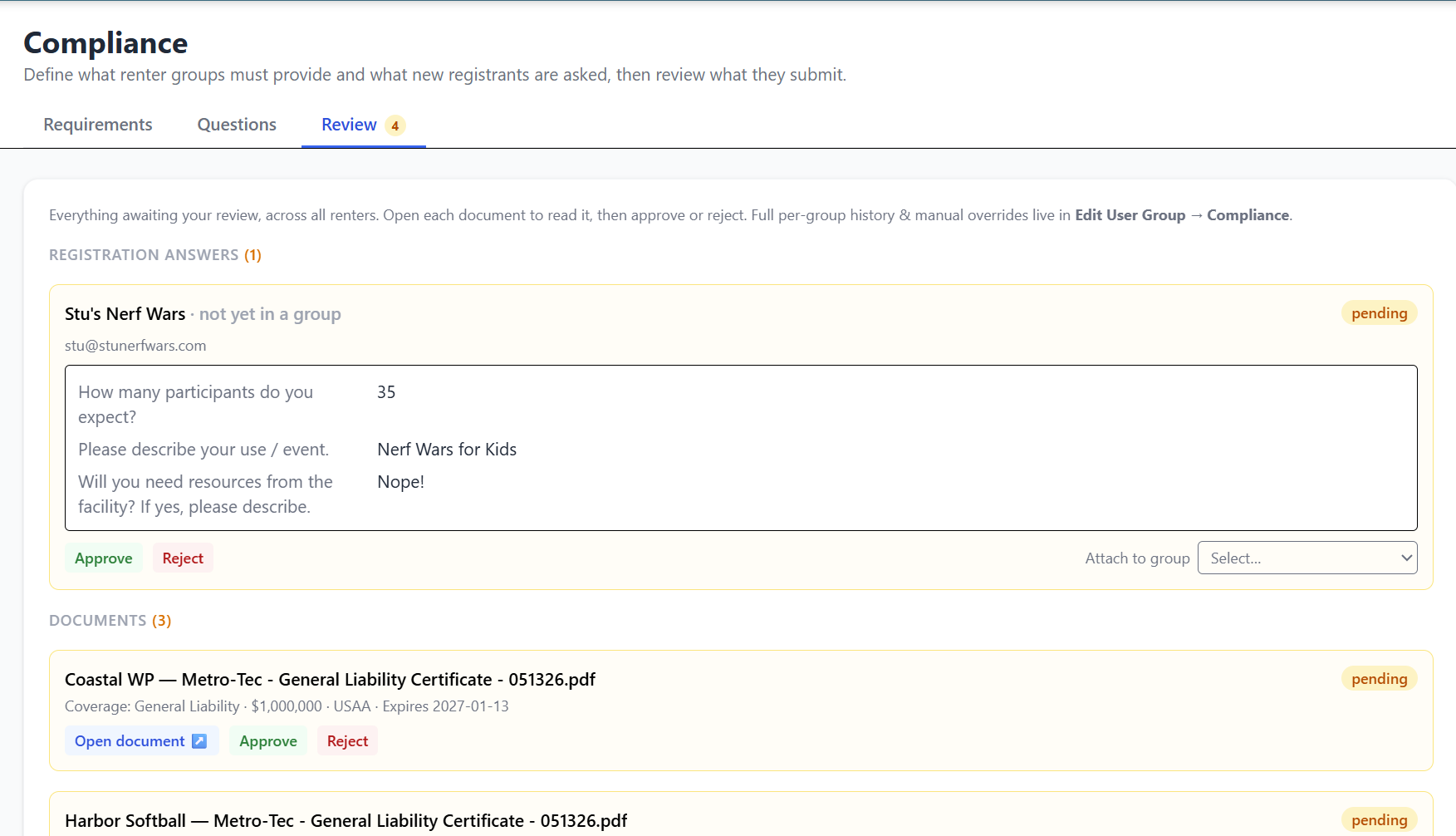
Three kinds. Insurance requirements with minimum coverage amounts; document requirements with an optional blank form to download; and a Terms of Use item the group reads and accepts in-app, which records the accepting account and timestamp. On top of that you can build a registration questionnaire that every self-service registrant answers at sign-up. Groups upload and answer, admins approve or reject from one review queue, and a Meets / Does Not Meet badge appears next to the group on the schedule.
How are notifications handled?▾
Both email and in-app, and they fire wherever the schedule actually changes - created, updated, cleared, or displaced - including when you approve a booking request. Each notification carries a per-action "notify group members" checkbox that defaults to that group's own preference, so you decide every time. A booking spanning many lanes sends one email, not one per lane. Users are subscribed per group, or to all groups.
Can groups pay their invoices online?▾
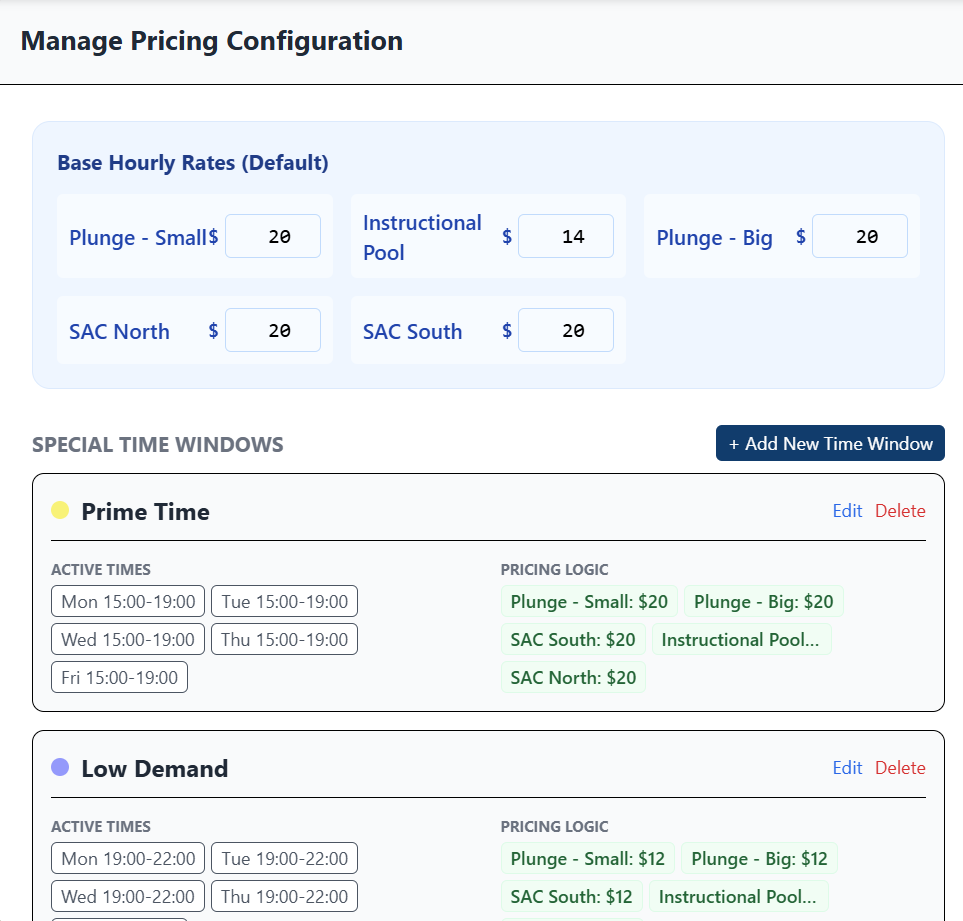
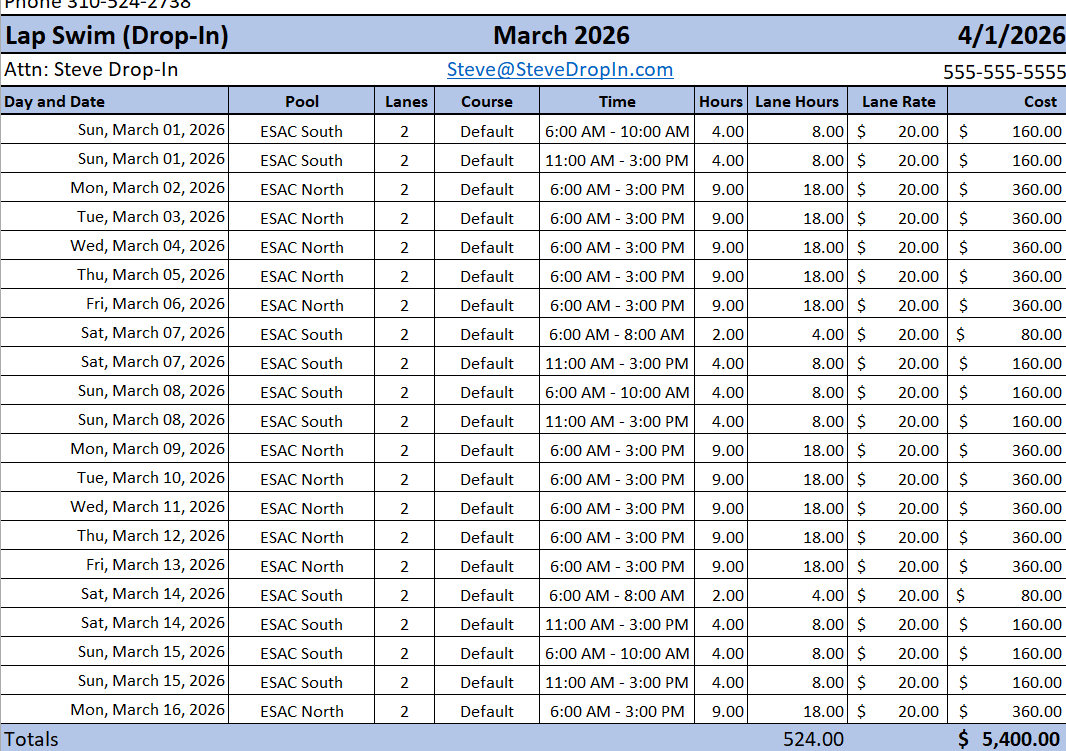
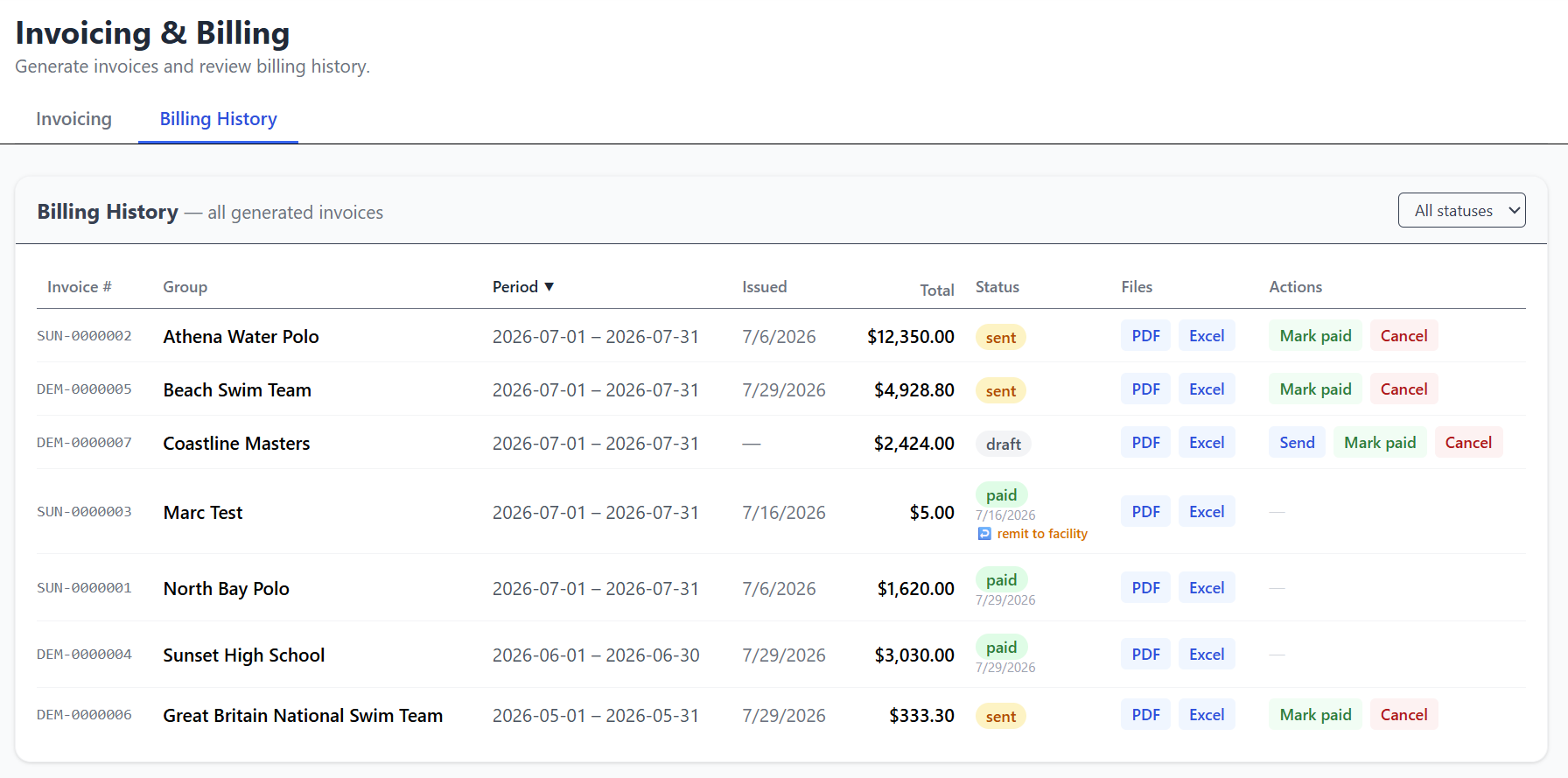
Yes. Admins generate an invoice from booked hours and send it for payment; the group pays by credit/debit card or US bank account (ACH) through secure Stripe checkout, and the invoice marks itself Paid (ACH shows Processing until it clears). Each workspace can configure a tax rate, service fees, and an optional card surcharge, and payouts can route directly to the facility's bank via Stripe Connect. Collecting payment from your groups this way is an add-on to the base subscription and carries a metro-tec service fee on the payments processed - see the pricing page for the current rates.
What happens when allocations conflict?▾
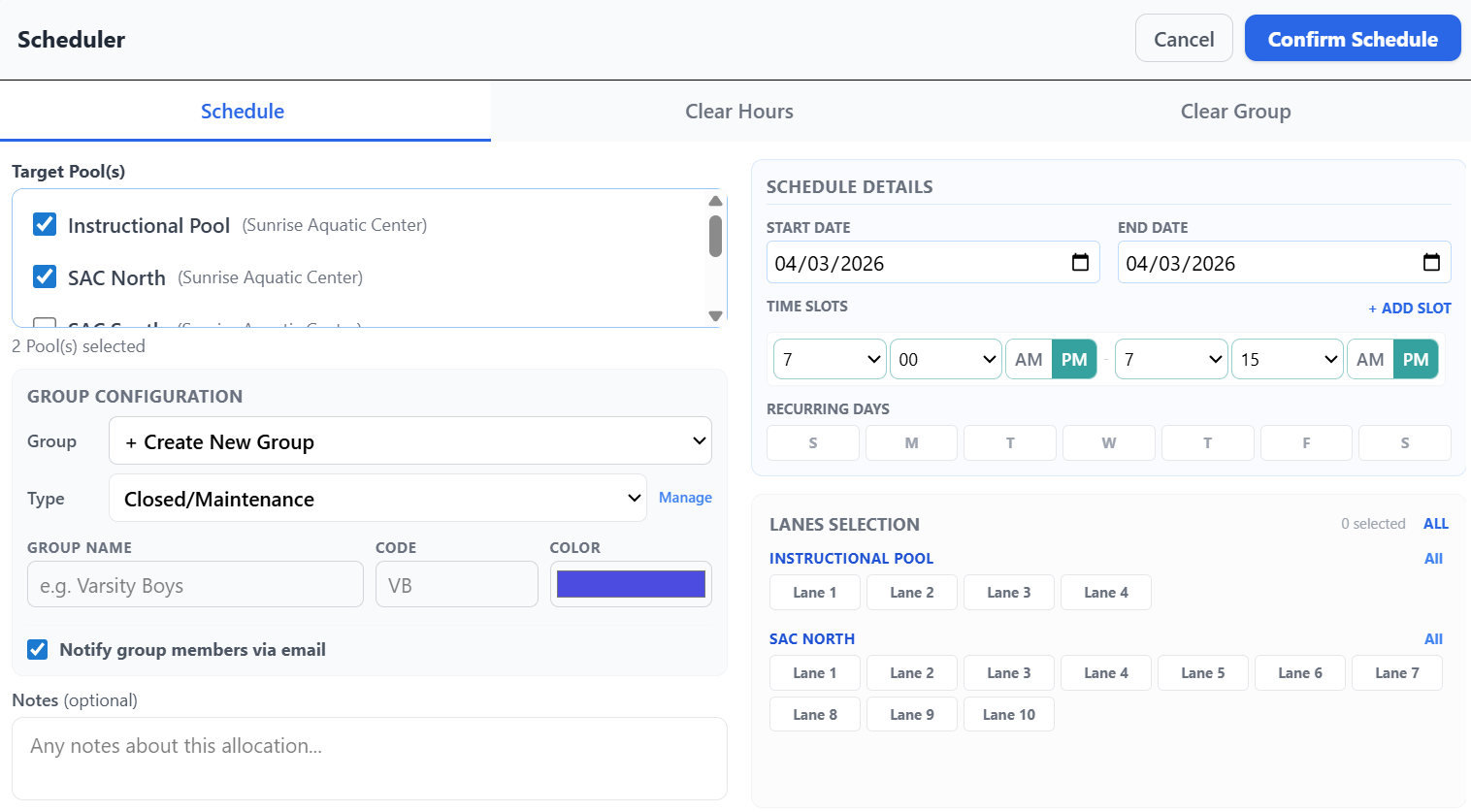
The platform detects conflicts at the moment of scheduling and shows you exactly which bookings would be displaced, with a checkbox per row so you can preserve any of them and overwrite the rest. Every override is logged with the displaced groups, time slots, and admin notes - visible in the audit log and notified to the affected groups.
Can bookings be added to a personal calendar?▾
Yes. Opening any booking offers Add to Google Calendar, including from the public schedule with no login. A recurring booking can be added as a single repeating calendar event rather than dozens of separate ones, honoring patterns like every-other-week and skipping cancelled occurrences.
How is data backed up?▾
Your workspace is backed up automatically every day, and admins can trigger a backup on demand. Restoring is scoped to your own workspace only, and you choose between Merge - bring back deleted or edited items while keeping anything created since - and Full replace, which resets the workspace to exactly that backup. CSV and JSON exports are available at any time.
Is the platform mobile-friendly?▾
Yes. The platform is a Progressive Web App - installable on iOS, Android, and desktop. Staff and members get a dedicated mobile shell with the schedule, their dashboard, and booking or request flows designed for use in the field.