What kinds of spaces does the platform support?▾
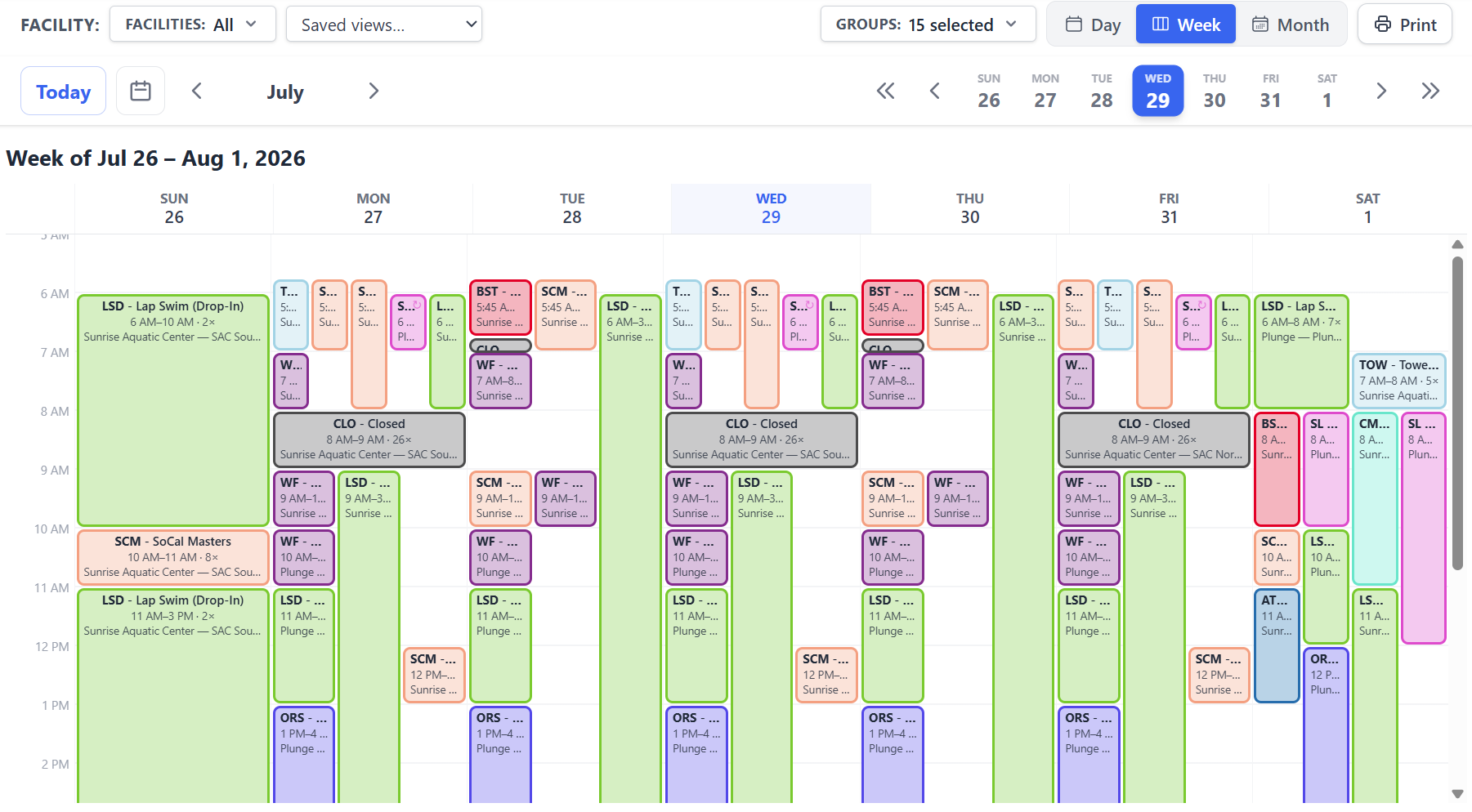
Gyms, classrooms, theaters and auditoriums, cafeterias and multipurpose rooms, meeting rooms, pools, sports fields, stadiums and tracks, courts, and civic venues such as plazas and amphitheaters. Each workspace is configured for a primary resource type and individual resources within it can carry their own type-specific configuration - lane attributes for a pool, sub-units for a field or a divided gym - so schedules respect the granularity of each space.
Can outside groups request time without us creating accounts for them?▾
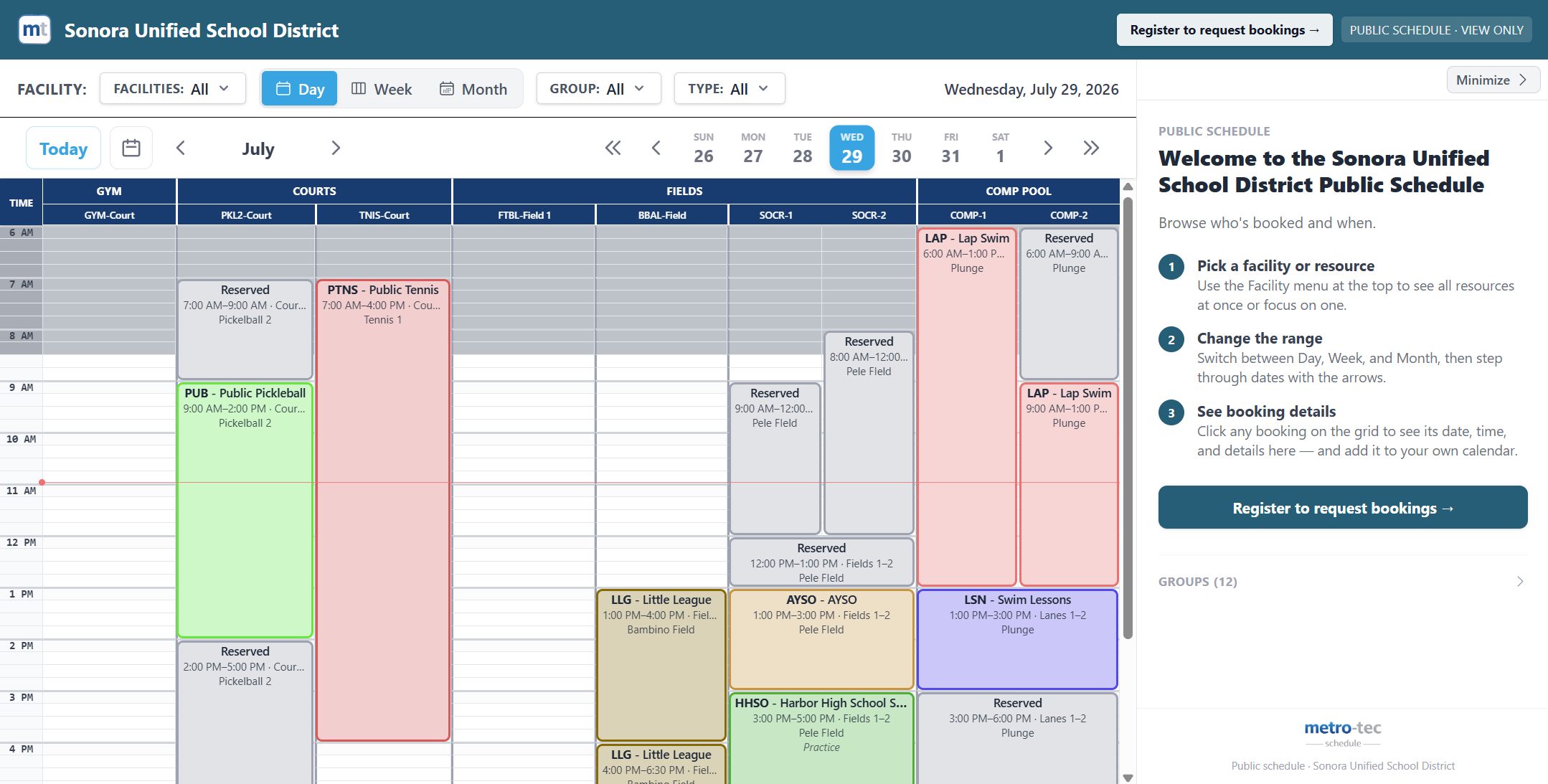
Yes. Turn on self-service and your public schedule gets a register link. An outside renter, club, or league signs up on their own, sees the resources you have made requestable, and submits requests from the openings list. Your staff provision nothing. Requests land in the same approval queue as everything else, and approving a group's first request promotes them to a regular billable member.
What can we control about the public schedule?▾
Which views it offers and which it opens on, which facilities and resources appear, and how each user group is shown - full detail, an anonymous Reserved block, or hidden entirely. You can embed the schedule in your own website with a copy-paste snippet, and create pre-filtered links locked to a single facility or a single group.
How do we know which hours are worth selling?▾
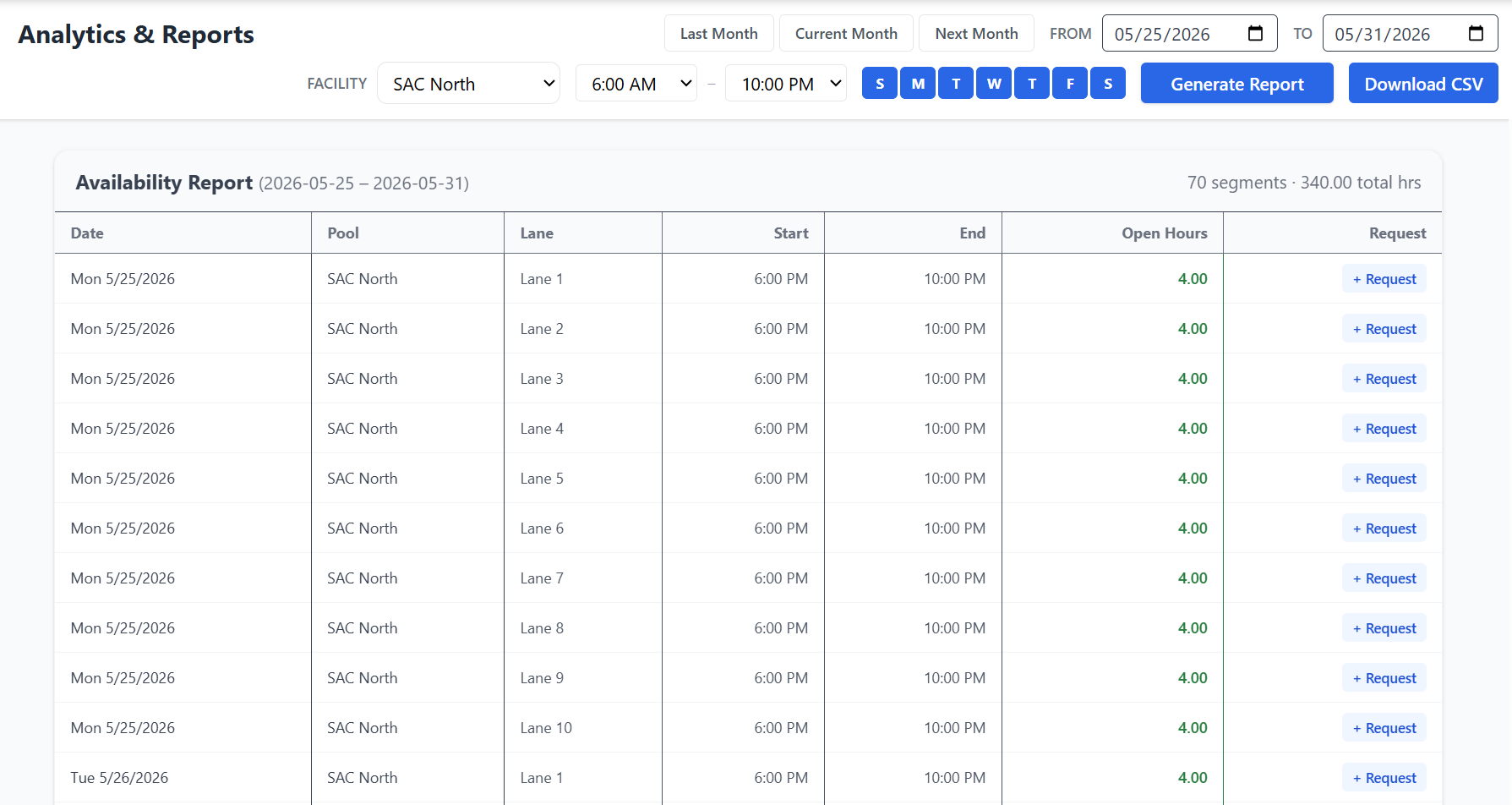
The utilization report compares booked time against your configured operating hours, per resource and sub-resource, with a day-of-week by hour-of-day heatmap and a ranked list of your ten most underutilized hours. The availability report complements it by listing actual open blocks you can act on, filterable by resource, lane, day, and time of day.
What compliance can we require of a renter?▾
Insurance requirements with minimum coverage amounts; document requirements with an optional blank form to download; and a terms-of-use item the group reads and accepts in-app, which records the accepting account and timestamp. On top of that you can build a registration questionnaire every self-service registrant answers at sign-up. A Meets / Does Not Meet badge appears next to the group on the schedule, and expired coverage stops counting automatically.
Can groups pay their invoices online?▾
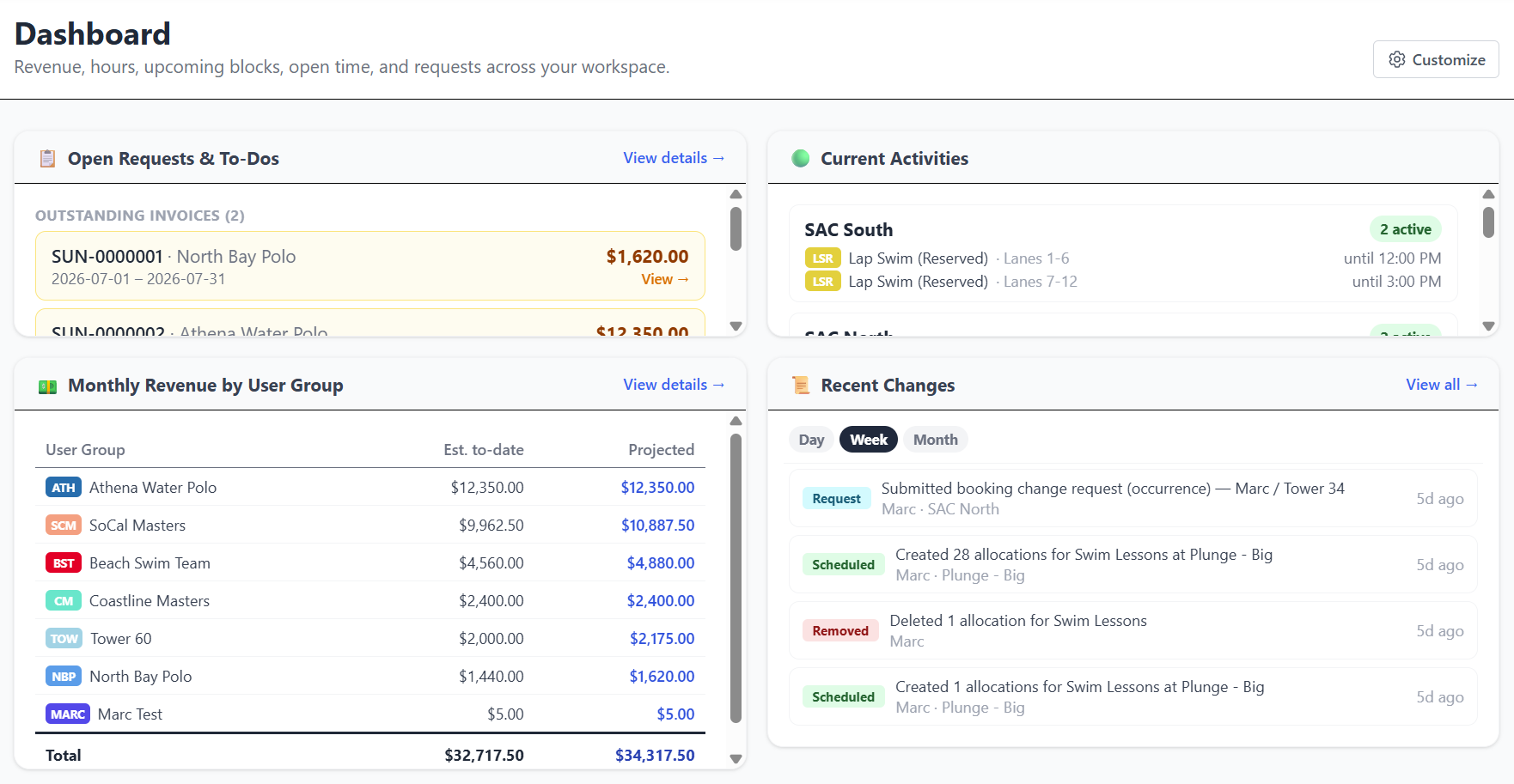
Yes. Admins generate an invoice from booked hours and send it for payment; the group pays by card or US bank account (ACH) through secure Stripe checkout, and the invoice marks itself Paid. Each workspace can configure a tax rate, service fees, and an optional card surcharge, and payouts can route directly to the facility's bank via Stripe Connect. Collecting payment this way is an add-on to the base subscription and carries a metro-tec service fee on the payments processed - see the pricing page for current rates.
Do you handle work orders?▾
Not today, and we would rather say so than sell you a second product. Setup, custodial, and maintenance work stays in the system you already run; booking data exports cleanly for it. Deeper work-order integration is on the roadmap - tell us what you use and it informs where that lands.
How is our data backed up?▾
Your workspace is backed up automatically every day, and admins can trigger a backup on demand. Restoring is scoped to your own workspace only, and you choose between merge - bringing back deleted or edited items while keeping anything created since - and full replace. CSV and JSON exports are available at any time.
Is the platform mobile-friendly?▾
Yes. The platform is a progressive web app, installable on iOS, Android, and desktop. Staff and members get a dedicated mobile shell with the schedule, their dashboard, and booking or request flows designed for use in the field.